


:format(webp)/https%3A%2F%2Fbrandsgateway-img-mktg.s3.fr-par.scw.cloud%2F4554657.jpeg)
The fashion dropshipping market is a place that offers incredible potential for building a thriving online fashion business, especially when you partner with a supplier like BrandsGateway.
Navigating through the complexities of dropshipping can be daunting, but with BrandsGateway, it can be a breeze.
So, join us as we explore the process of starting a dropshipping business with BrandsGateway.
Today, we’re going to break down the exact steps on how dropshipping with BrandsGateway works and show you how easy it is to get started.
Let’s transform your business together today
Learn how to start selling luxury clothing with BrandsGateway
How to start dropshipping with BrandsGateway?
STEP 1: Sign up with BrandsGateway
Signing up with BrandsGateway will take you only a few minutes:
- Head out to the BrandsGateway’s login page.

STEP 2: Choose your dropshipping plan
BrandsGateway offers flexible subscription plans tailored to different business needs.
You can choose between four plans: Grow, Scale, Enterprise, and REST API/CSV. They differ in how many products you can import and whether you get a dedicated account manager.
Each plan can be billed monthly or annually, and annual billing costs less per month. Prices depend on your store platform, so the pricing page shows the exact price for yours.
To choose your dropshipping plan:
- Navigate to BrandsGateway’s pricing plans.
- Choose your plan depending on the eCommerce platform you’re planning to use.
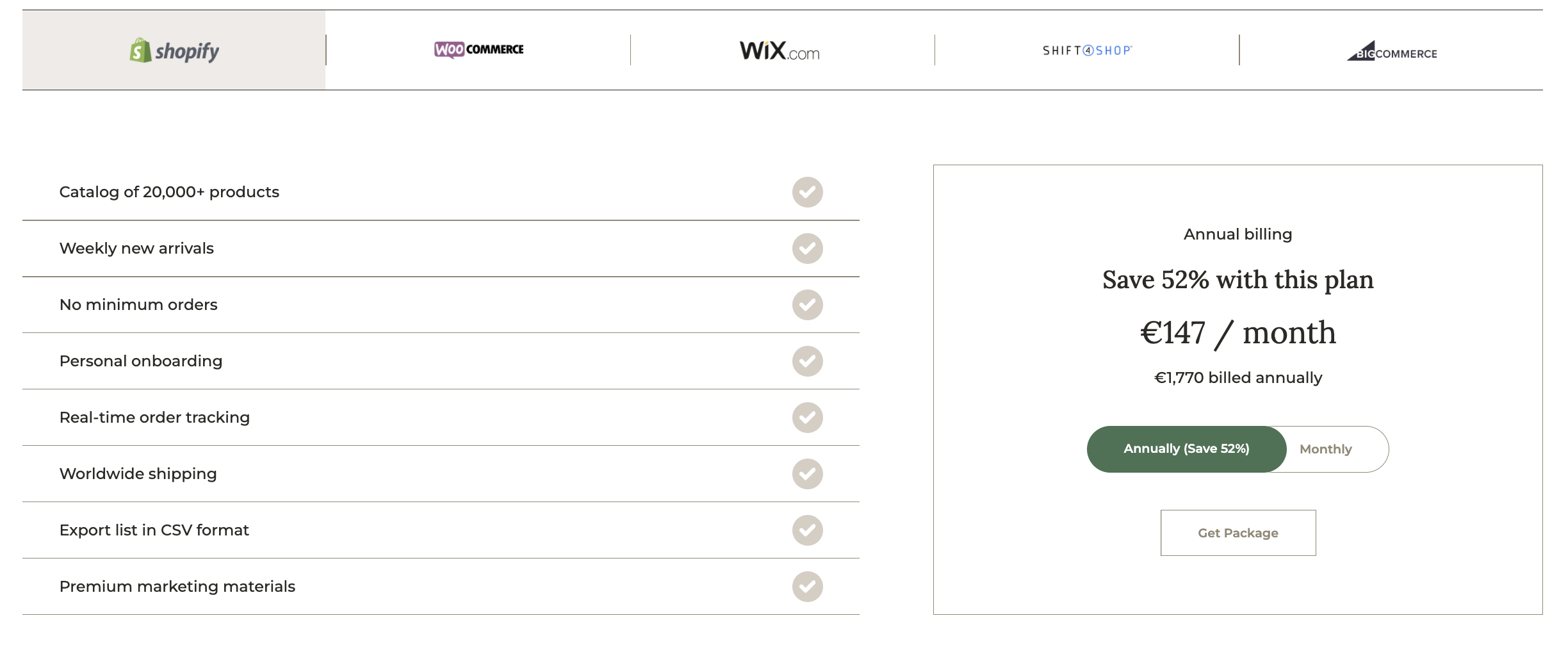
STEP 3: Connect your store with BrandsGateway
BrandsGateway offers seamless integration with leading eCommerce platforms, including Shopify, Wix, WooCommerce, Shift4Shop, and BigCommerce.
How to connect your Shopify store with BrandsGateway?
- Visit the Shopify BrandsGateway App.
- Insert the BrandsGateway App into your Shopify store.
- Select your desired dropshipping plan.
- Import the BrandsGateway catalog.
How to connect your WooCommerce store with BrandsGateway?
- Open BrandsGateway’s pricing page.
- Choose your preferred dropshipping plan.
- Ensure your WooCommerce store has an SSL Certificate (HTTPS).
- Install the WooCommerce Brands plugin.
- Generate API keys for your WooCommerce store.
- Connect to BrandsGateway using the provided API keys.
How to connect your BigCommerce store with BrandsGateway?
- Open the BigCommerce BrandsGateway App.
- Set up the BrandsGateway App in your BigCommerce store.
- Choose your desired dropshipping plan.
- Import the BrandsGateway catalog.
How to connect your Wix store with BrandsGateway?
- Navigate to the Wix BrandsGateway App.
- Install BrandsGateway’s App within your Wix store.
- Select your preferred dropshipping plan.
- Import the BrandsGateway catalog.
How to connect your Shift4Shop store with BrandsGateway?
- Open BrandsGateway’s pricing page.
- Choose the dropshipping plan that suits you best.
- Make the payment.
- Import the BrandsGateway catalog.
Read more: How to start dropshipping with BrandsGateway?
STEP 4: Set up your pricing strategy
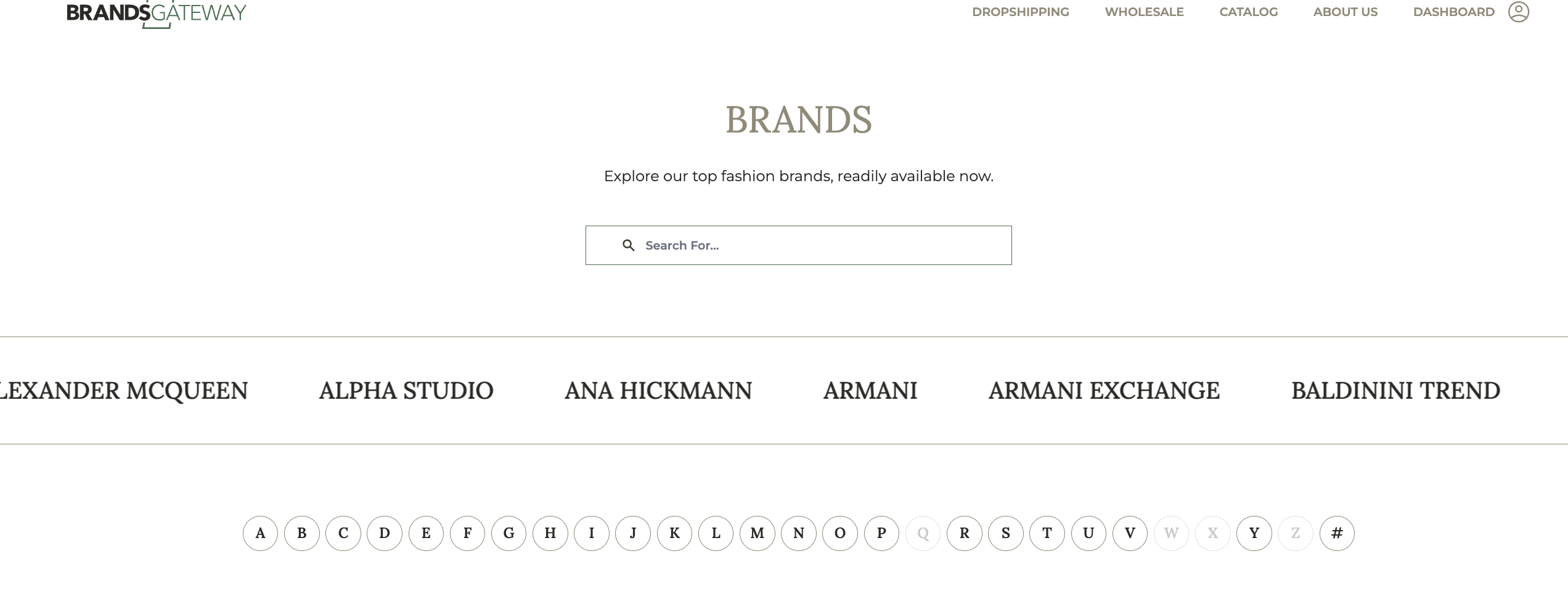
Competitive pricing is essential to success in the dropshipping industry, and BrandsGateway makes it easy to stay ahead of the competition by providing dropshippers with a catalog of over 46,000 designer items.
Categories include clothing, shoes, bags, jewelry, sunglasses, watches, and accessories, featuring products manufactured by esteemed brands like Dolce & Gabbana, Jimmy Choo, Versace, Prada, Tory Burch, Gucci, Tom Ford, Swarovski, Michael Kors and more.
With BrandsGateway, you set your own retail prices. By default, the BrandsGateway app sets them at a 150% markup on the wholesale price, and you can change it at any time. For example, buy at €300 and sell at €450: your margin is 33% and your markup 50% (illustrative example).
On top of that, BrandsGateway does provide suggested retail prices as well. While not obligatory, these prices can serve as a starting point to assist you in determining your final selling prices and building a strong pricing strategy.

:format(webp)/https%3A%2F%2Fbrandsgateway-img.s3.fr-par.scw.cloud%2F11166807.jpeg)
:format(webp)/https%3A%2F%2Fbrandsgateway-img.s3.fr-par.scw.cloud%2F10708759.jpeg)
:format(webp)/https%3A%2F%2Fbrandsgateway-img.s3.fr-par.scw.cloud%2F11119238.jpeg)
STEP 5: Start creating orders
Finally, you are ready to start selling your products.
As orders are placed in your store, they will be automatically forwarded to BrandsGateway. The only thing you’ll have to take care of is settling the payments for the orders made by your customers.
Here’s how you can easily complete your payments:
- Access your profile.
- Navigate to the ‘Orders’ section in the left-hand menu.
- Click on ‘Finalize’ beside each order.
- Input billing and shipping details.
- Select ‘Place order’ to confirm the transaction.
You’re only a call away
With its vast selection of designer fashion products, straightforward setup process, and great support system, BrandsGateway not only makes it easier to start dropshipping but also opens the door to working with a highly profitable dropshipping clothing niche.
Remember, the journey to a successful dropshipping business begins with partnering with the right supplier.
Schedule a free demo call with us today and discover our services firsthand.
Let’s transform your business together today
Learn how to start selling luxury clothing with BrandsGateway