:format(webp)/https%3A%2F%2Fbrandsgateway-img-mktg.s3.fr-par.scw.cloud%2F4543654.jpeg)


:format(webp)/https%3A%2F%2Fbrandsgateway-img-mktg.s3.fr-par.scw.cloud%2F4555551.jpeg)
Automatic order placement means an order from your store reaches your supplier without you copying it across. With BrandsGateway, an order placed in your connected Shopify, WooCommerce, Wix, BigCommerce, or Shift4Shop store appears in your BrandsGateway account on its own.
You choose the shipping and payment method and pay for the order. We then ship it to your customer white-label, with your company name as the sender. Below is every step from your store to your customer’s door, which parts run on their own, and which stay with you.
What automatic order placement means
Without it, every sale starts with copying. You open the supplier’s site, find each item, pick the size, and type in your customer’s name and address. Ten orders a day means ten chances for a wrong size or a mistyped street, and each order waits until you have time to do it.
With it, your store sends the order to the supplier through an integration. The items, sizes, and delivery address arrive as your customer entered them.
Some tools go one step further and pay the supplier automatically from a stored card. With us, you confirm and pay each order yourself. That keeps you in control of the cost: you see what an order costs you, product and shipping, before any money moves, and you choose how it ships.
Order placement is one part of dropshipping automation. Importing the catalog, pricing rules, and stock sync are covered in automating your dropshipping store.
What happens to an order, step by step
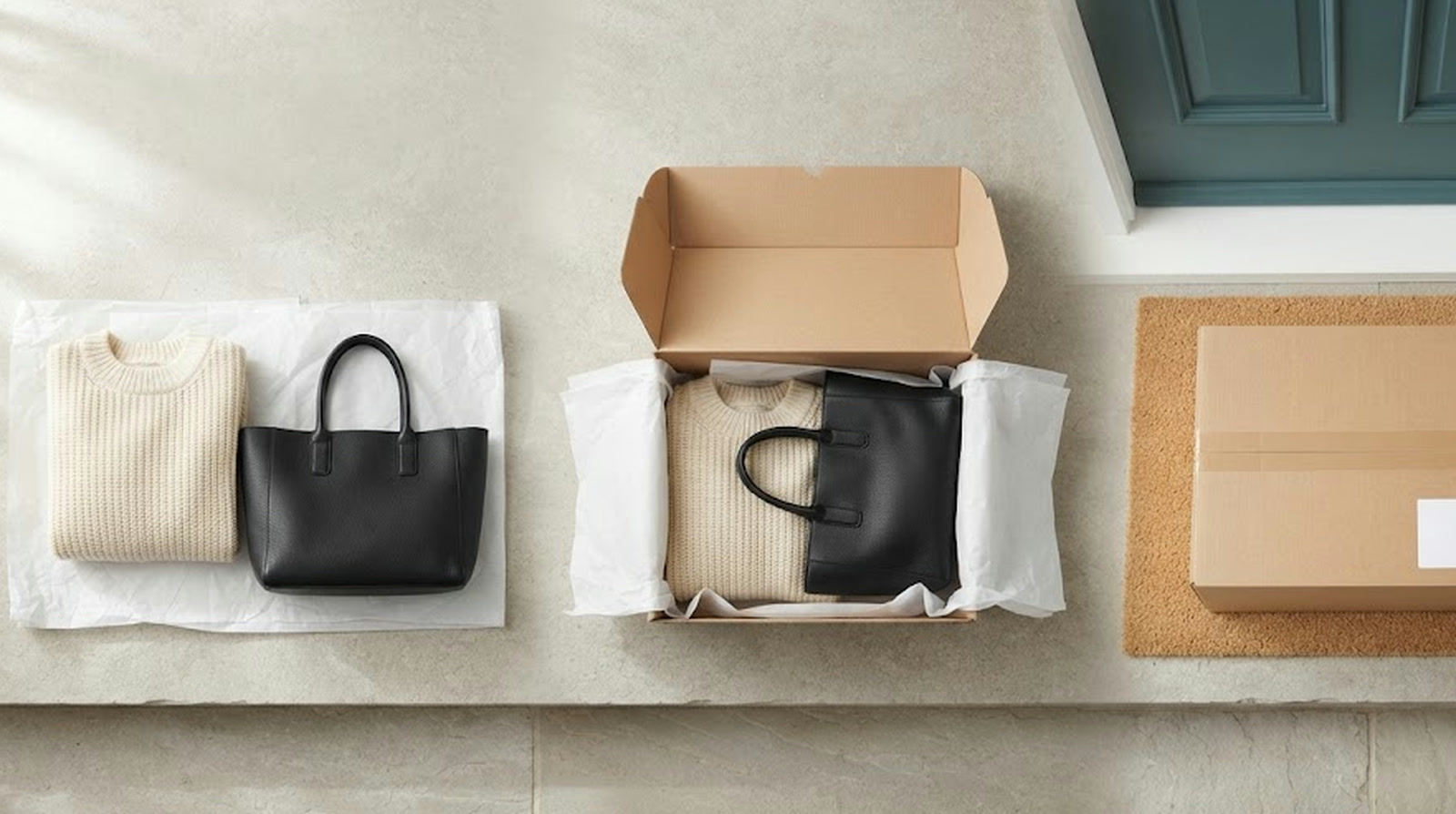
- Your customer buys and pays in your store. The payment goes to you, at the retail price you set. Our payment system is not connected to your store’s, so you pay us separately in step 4.
- The order appears in your BrandsGateway account. The BrandsGateway app or plugin forwards it with the items and your customer’s delivery details. It waits under Orders with the status Incomplete.
- Choose the shipping and payment method. Open Orders → Edit Order. Pick Economy or Express shipping, or upload your own shipping label, then choose how you pay. The Helpdesk shows this screen.
- Pay for the order. Its status changes to Processing.
- We ship it to your customer. Our warehouse picks, packs, and ships the order white-label, with your company name as the sender and no BrandsGateway branding. Orders are dispatched within 24–48 hours.
- Pass the tracking number on. It appears in your BrandsGateway account under Orders once the order is prepared for shipment. Copy it into the order in your store, or send it to your customer.
We do not contact your customer. Every notification about the order comes to you, so your customer only ever hears from your store.
Delivery after dispatch depends on the option you chose. Economy shipping takes 3–5 business days within Europe and 5–8 outside Europe. Express shipping takes 1–3 business days within Europe and 3–4 outside. We deliver worldwide using UPS, FedEx, DHL, or your own shipping label, and the shipping and returns page gives the cost for every country.
How to tell where an order is
When your customer asks why a parcel has not arrived, the status under Orders tells you whether the order is waiting for you or already on its way:
- Incomplete: forwarded from your store and waiting for you to choose shipping and pay.
- Processing: paid, and being prepared. It leaves the warehouse within 24–48 hours, except on public holidays and for orders placed on the weekend.
- Processed: packed and waiting for the carrier to collect it.
- Completed: on its way or delivered, with the tracking number visible in the order.
An order still in Incomplete is the one delay you can fix yourself.
Pay for forwarded orders the same day
Stock sync covers the time before the sale: the app and plugin keep your store’s stock in sync with ours automatically. The gap that remains is the time between your customer’s purchase and your payment. Keep it short: check your Incomplete orders every day and pay them the day they arrive.
What runs on its own, and what stays with you
| Task | Who does it |
|---|---|
| Getting the order and the delivery address to us | Automatic, through the app or plugin |
| Choosing the shipping option and paying | You, under Orders → Edit Order |
| Picking, packing, and white-label shipping | We do |
| Adding the tracking number to the order | We do, in your BrandsGateway account |
| Passing the tracking number to your customer | You |
| Answering your customer’s questions | You; we answer yours |
| Requesting a return | You, when your customer asks for one |
What you save is the retyping and the errors that come with it. A forwarded order no longer waits for you to copy it across, only for your payment. Dropshipping orders have a 14-day return policy, counted from delivery; the steps are on the shipping and returns page.
Keep your customer informed
Your customer judges the delivery as part of your store, not the carrier’s. In Sendcloud’s May 2026 study of 8,000 online shoppers in eight European markets, 48% had abandoned a purchase in the past three months for delivery-related reasons at checkout. When a delivery went wrong, 42% held the retailer responsible.
Two habits cover most of it. Show the delivery times above on your product or checkout pages, so nobody is surprised by the wait. Then send the tracking number as soon as it appears in your account. More ways to keep buyers at checkout are in how to reduce cart abandonment.
Which stores can forward orders automatically
| Where you sell | How you connect | How orders reach us |
|---|---|---|
| Shopify, Wix, BigCommerce | The BrandsGateway app | Forwarded automatically |
| WooCommerce, Shift4Shop | The BrandsGateway plugin | Forwarded automatically |
| A custom-built store | The REST API | Forwarded automatically once a developer builds the connection |
| Amazon, eBay | A marketplace plugin on your Shopify, WooCommerce, or Wix store | Forwarded automatically |
Amazon and eBay orders can be forwarded automatically through a marketplace plugin on your Shopify, WooCommerce, or Wix store.
Automatic order forwarding comes with a dropshipping subscription, and one subscription covers one connected store. The setup for each platform is on our integrations page, and the plans and what each includes are on the pricing page.
Behind the orders is a catalog of over 46,000 products from over 700 brands: designer clothing, shoes, bags, and accessories. All products are 100% authentic and come with original tags, sourced from the brands, their licensees, or official distributors. Here is how dropshipping with BrandsGateway works from the first product to the first order.
Frequently Asked Questions
Do orders from my store reach BrandsGateway automatically?
Yes. With the BrandsGateway app for Shopify, Wix, or BigCommerce, or the BrandsGateway plugin for WooCommerce or Shift4Shop, orders placed in your store appear in your BrandsGateway account automatically. You then choose the shipping and payment method and pay.
Does BrandsGateway ship an order before I pay for it?
No. A forwarded order waits in your BrandsGateway account, under Orders → Edit Order, until you choose the shipping and payment method and pay. You see what the order costs you before any money moves. Once paid, it moves to Processing.
Where do I find the tracking number?
In your BrandsGateway account, under Orders, once the order is prepared for shipment. We do not contact your customer, so copy the tracking number into the order in your store or send it to them.
Can I sell on Amazon or eBay with automatic order placement?
Yes. Amazon and eBay orders can be forwarded automatically through a marketplace plugin on your Shopify, WooCommerce, or Wix store.
How quickly is an order dispatched after I pay?
Within 24–48 hours. Economy shipping then takes 3–5 business days within Europe and 5–8 outside Europe; Express takes 1–3 and 3–4. The shipping and returns page gives the cost for every country.